Arcade
snake
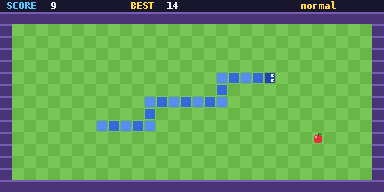
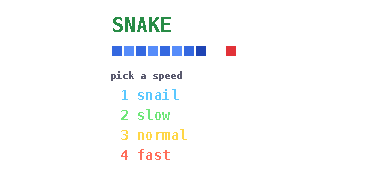
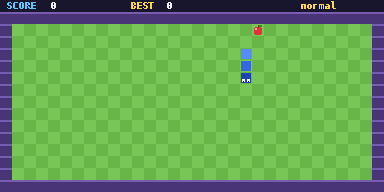
Pick snail, slow, normal or fast, then eat the apples on a colourful lawn without hitting a wall or yourself.
snake.py5.1 KB185 lines
Performance: smoothRuns smoothly. Choose a slower speed if it feels too fast.
Controls
| 1 to 4 | Pick a speed on the title screen |
| Arrows | Turn |
| OK | Retry after game over |
| AC | Instant Termination. Exits the game to the Python shell. |
| U-Turn Arrow | SETTINGS or BACK |
How to run it
- Download
snake.pyorsnake.zip. Pick one: the .py is the quickest route. - If you downloaded the
.zip, unzip it and take the Python file out of it. If you downloaded the.py, skip this step. - Connect your calculator via a USB-C cable.
- Select 'USB Flash'.
- Place the Python file alongside the
@MainMemoryfolder (NOT inside of it, ignore theCaptfolder if it's present). - Eject the USB-C attached to the calculator.
- Open the Python module on the calculator.
- Press on Tools.
- Select File.
- Select Open.
- Open the game file.
- Press the right arrow with line-in-front button on your calculator (next to the up button).
- Wait for your game to load.
- Enjoy.
If your browser or school blocks .py downloads, use the zip instead. If the calculator says Invalid Data Size, the file was changed on the way over. Download it again and copy the new copy.