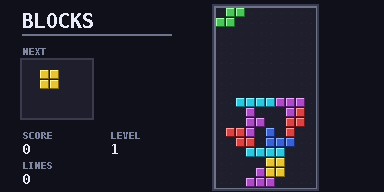
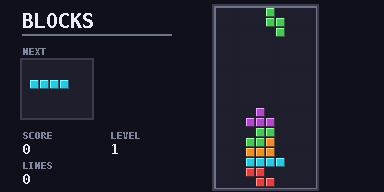
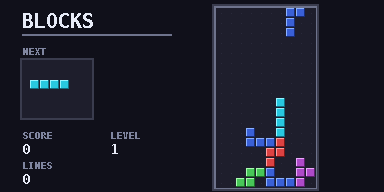
Falling blocks
falling blocks
Classic falling-block puzzle with levels, a next-piece box and key-repeat tuned for the calculator.
falling_blocks.py7.5 KB283 lines
Secure checkout by Payhip. After paying you get the .py file and a .zip.
Want all three paid games? Get the Mathematic Trilogy for £3.99 (saves 51p).
Performance: smoothRuns smoothly. There is a short flash when lines clear.
Controls
| Left / Right | Move the piece |
| Up | Rotate |
| Down | Soft drop |
| OK | Hard drop |
| AC | Instant Termination. Exits the game to the Python shell. |
| U-Turn Arrow | SETTINGS or BACK |
How to run it
- Press the Buy button above and pay on the Payhip checkout page. Use a real email address.
- Check your email. Payhip sends you a message with your download link straight away (look in spam or junk if it doesn't show up).
- Open the link and download
falling_blocks.pyorfalling_blocks.zip. Pick one: the .py is the quickest route. - If you downloaded the
.zip, unzip it and take the Python file out of it. If you downloaded the.py, skip this step. - Connect your calculator via a USB-C cable.
- Select 'USB Flash'.
- Place the Python file alongside the
@MainMemoryfolder (NOT inside of it, ignore theCaptfolder if it's present). - Eject the USB-C attached to the calculator.
- Open the Python module on the calculator.
- Press on Tools.
- Select File.
- Select Open.
- Open the game file.
- Press the right arrow with line-in-front button on your calculator (next to the up button).
- Wait for your game to load.
- Enjoy.
If your browser or school blocks .py downloads, use the zip instead. If the calculator says Invalid Data Size, the file was changed on the way over. Download it again and copy the new copy.